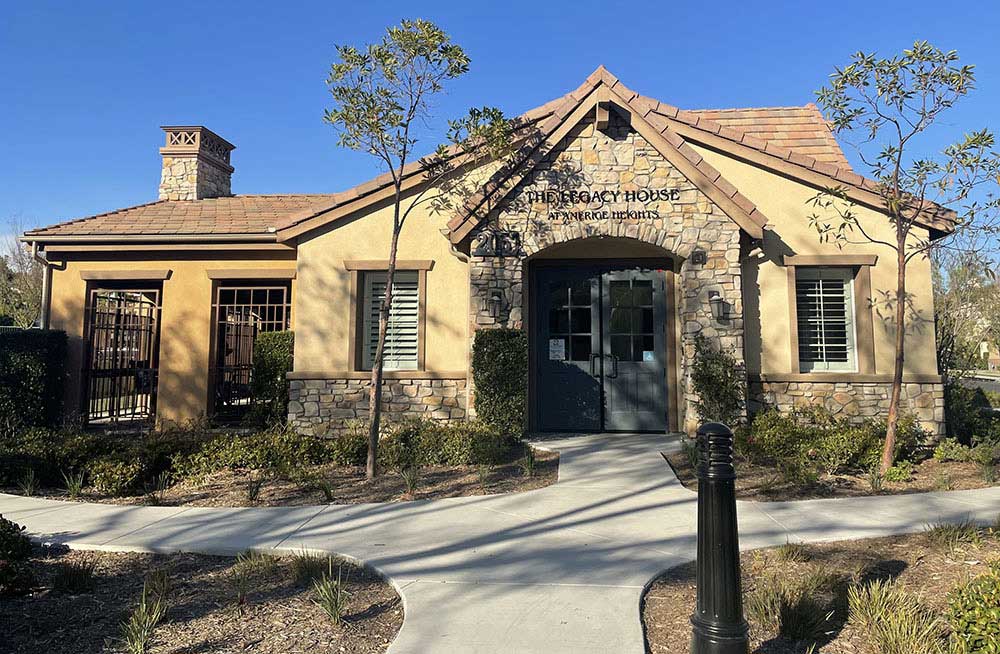
How to Reserve the Clubhouse
- To see the Clubhouse availability before making a reservation, please check the Resident Portal under My Community -> Calendars and Amenities. Any date that does not show as “Reserved”, is able to be booked by residents 6 months in advance.
- Click the green +Create button in the right corner above the Amenities Calendar to place a Clubhouse reservation request. Once the form, payment, and insurance (if required) have been received, the request will be reviewed and approved.
- After submitting your request, please complete the Clubhouse Agreement and attach the completed form to your online request. The document can be found in the resident portal under My Community > Documents > Clubhouse > CURRENT – Clubhouse Agreement 6.17.25. You will have seven (7) days to submit the completed agreement, payment, and a certificate of insurance as needed.
- Upon receipt of the signed agreement, payment and insurance documents, a confirmation letter will be emailed to you.
- A week prior to your event, the Community Relations Coordinator will complete a pre-inspection of the clubhouse with you.
- The business day before your event, a key code will be emailed to you.
Please Note: Reservations are first come-first served basis. The signed and completed agreement, payment and insurance documents must be submitted within seven (7) days of placing a hold.
If you have any questions, please contact the Community Relations Coordinator at the Amerige Heights Clubhouse: amerige@actionlife.com